
One document, thousands of tracked recipients.
Upload a PDF and a spreadsheet of names, WhatsApp numbers, emails and references. Every row gets its own tracked link, delivered in paced batches in the background, with a password and reminders if you want them.
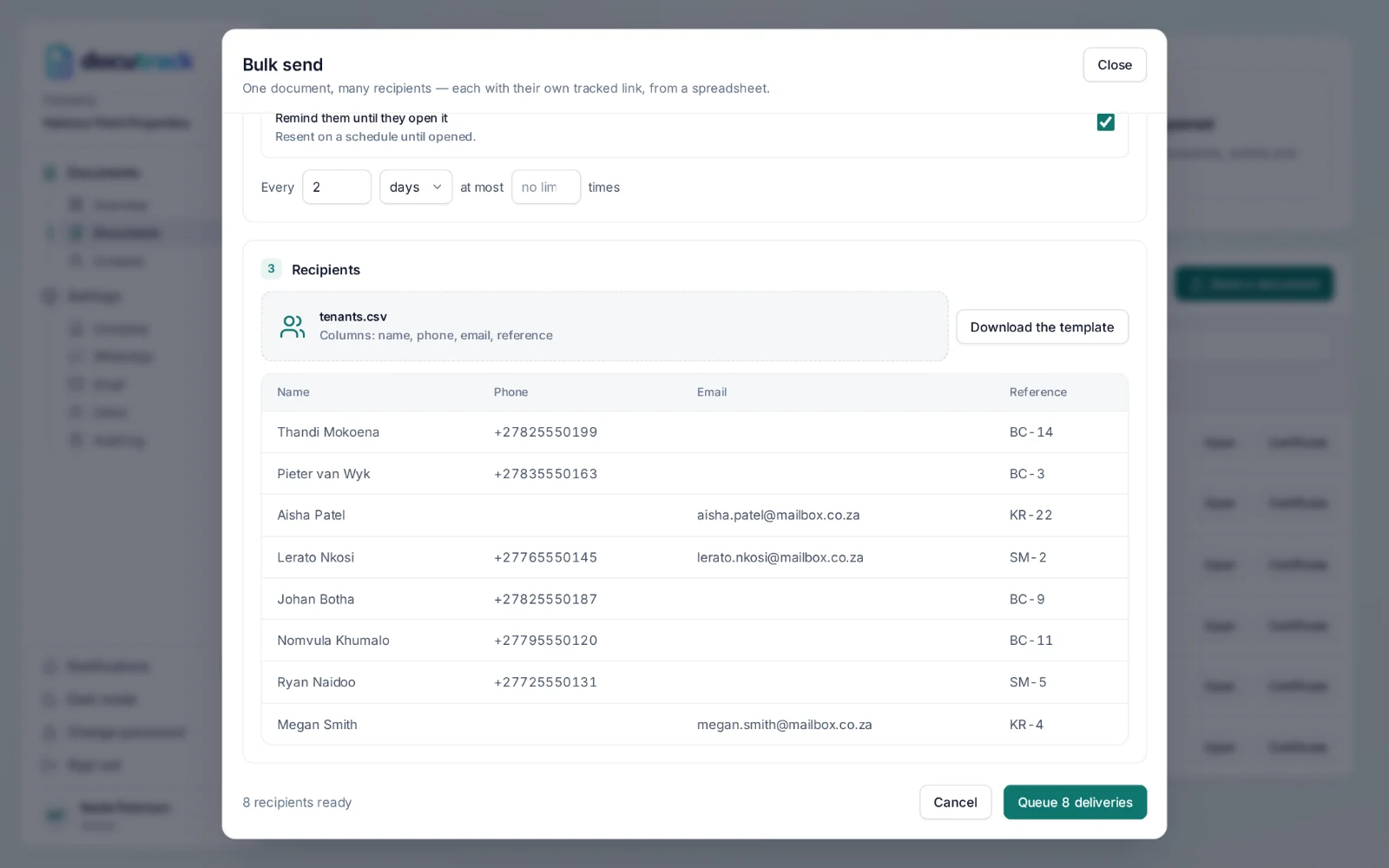
How a bulk send works.
- Step 1
Download the template
Four columns: name, phone, email and reference. Export from your system or fill it in.
- Step 2
Upload the PDF and the CSV
DocuTrack previews the rows it will send to, skipping any without a phone or email.
- Step 3
Choose the options
A password, a location request and reminders apply to everyone in the batch.
- Step 4
It goes out in the background
Links are delivered in paced batches, and each recipient appears on the document as it is sent.
Up to 5,000 rows
A month-end statement run or a round of notices, in one upload.
Every row tracked
Each person has their own link, so every open is theirs.
Paced delivery
Sent in batches so WhatsApp and email are not flooded.
Questions, answered.
Can I send one document to many people?
Yes. Bulk send takes a PDF and a spreadsheet of names, numbers, emails and references — up to 5,000 rows a time — and gives every row its own tracked link, delivered in paced batches.
How large can a document be?
PDFs of up to 25 MB.
Works with
Know when it’s opened.
Send your next document with a tracked link for every recipient — on WhatsApp or by email, with a certificate of delivery at the end.