A tracked link for every recipient.
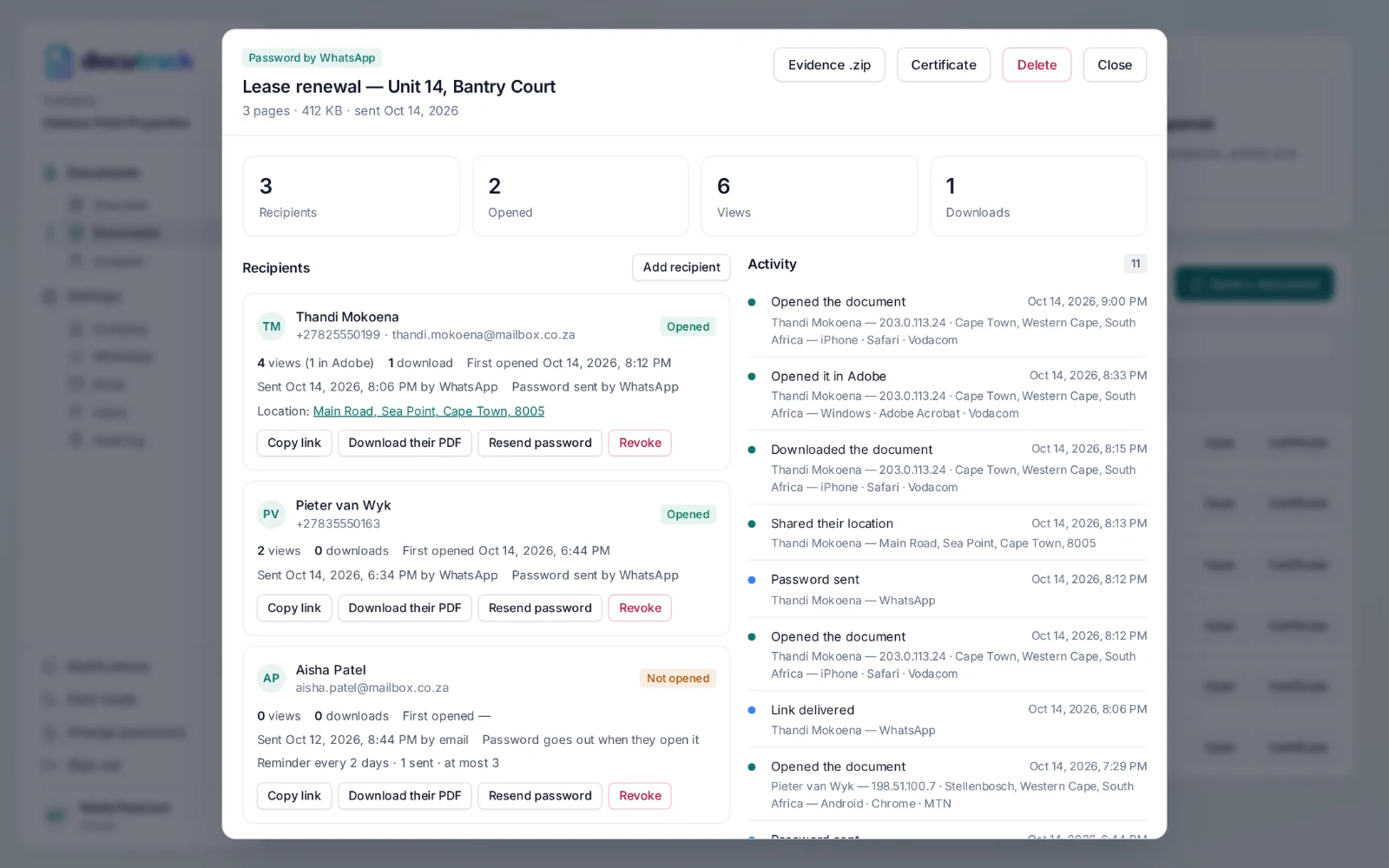
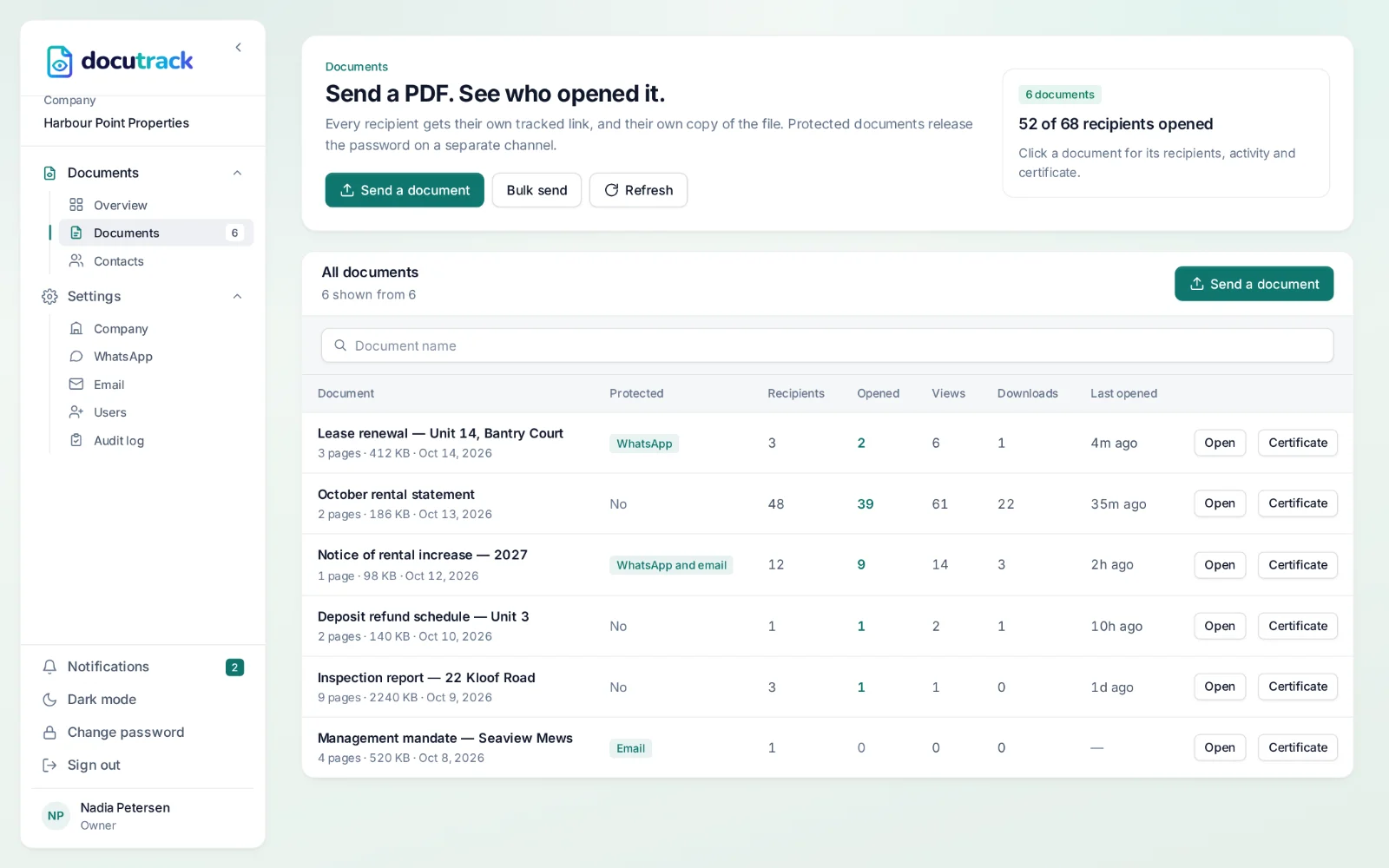
Every recipient gets their own link and their own copy of the PDF, so every open is attributed to a person. You see when they opened it, how often, on which device and roughly where — and you are told the first time it happens.
- One link and one copy per recipient
- Opens, views and downloads
- Device, browser and location
- Revoke any link at any time
What is recorded.
First and last open
When each recipient first opened their document, and when they last came back to it.
Views and downloads
How many times each person viewed it and downloaded it, counted separately.
Device and browser
Every open notes the device and browser — an iPhone with Safari, a laptop with Chrome.
Approximate location
The city, region and internet provider behind each open, from the internet address it came from.
Precise location, with consent
Ask for it and the recipient’s browser asks them to share their location; they can decline, and that is recorded too.
Opens in Adobe
Each copy also reports when it is opened in Adobe Acrobat or Reader on a computer, after Adobe asks the reader to allow it.
Every open, in order.
The activity timeline lists every delivery, open, download and password for a document, with the person, the time, the device and the place — the whole story of one document on one screen.
What the recipient sees
A link in a WhatsApp message or an email. Tapping it opens the PDF in their own browser or phone viewer — nothing to install and no account to make.
An honest note on downloaded files
The tracked link records every open, in every browser and on every phone. Once a file is downloaded, only Adobe Acrobat and Reader on a computer report opens — browser viewers, Preview and phone viewers do not. DocuTrack shows you which signal each open came from.
Questions, answered.
How does DocuTrack know a document was opened?
Every recipient gets their own link. When they open it, DocuTrack serves the PDF and records the open against that person — the time, their device and browser, and an approximate location from their internet address. It works in every browser and on every phone.
Does it track the PDF after it is downloaded?
Partly. Each copy carries an open action that reports back when it is opened in Adobe Acrobat or Reader on a computer — Adobe first asks the reader to allow it. Browser viewers, macOS Preview and phone viewers do not run it, which is why the tracked link is the main record and the in-PDF signal is a bonus.
Can I see where a recipient was when they opened it?
An approximate location — city and internet provider — comes from their internet address. If you ask for it, their browser also asks them to share their precise location when they open the link; they can say no, and DocuTrack records that they declined.
Can I stop a link from working?
Yes. Revoke any recipient’s link and it stops opening the document straight away, while the record of what happened stays.
Works with
Know when it’s opened.
Send your next document with a tracked link for every recipient — on WhatsApp or by email, with a certificate of delivery at the end.