
The file and its key, on separate channels.
Protect a PDF and every recipient’s copy is encrypted with AES-256. The password is sent to them on WhatsApp, by email or both — and only when they open their link — so the document and its key never travel together.
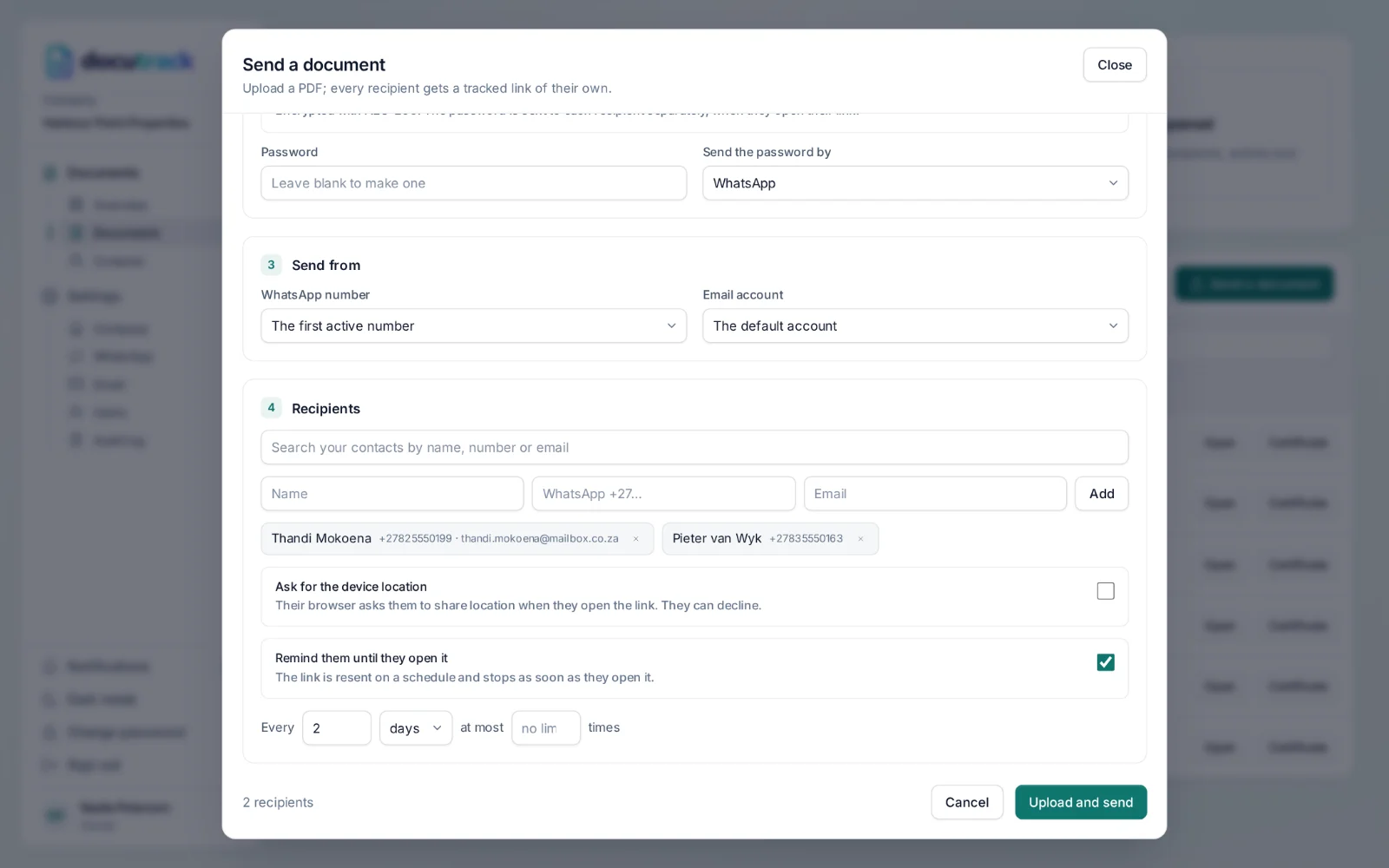
How it works.
- Step 1
Protect it
Tick “Password-protect the PDF”. Choose a password, or let DocuTrack make one; you see it once.
- Step 2
Choose the channel
The password can go by WhatsApp, by email, or both.
- Step 3
They open the link
The encrypted PDF opens with their viewer’s own password prompt, and the password is sent to them at that moment.
- Step 4
It is on the record
The activity shows when the password was sent, and on which channel.
Why separate channels.
A forwarded link is not enough
Someone who sees the link alone cannot read the document without the password from the recipient’s own phone or inbox.
AES-256
Every recipient’s copy is encrypted with the AES-256 standard used across PDF readers.
Resend it
If a recipient loses the password, send it again from their card in one click.
Questions, answered.
How does password protection work?
The PDF is encrypted with AES-256. When a recipient opens their link, DocuTrack sends them the password on a separate channel — WhatsApp, email or both — so the file and its key never travel together. You can resend the password at any time.
Works with
Know when it’s opened.
Send your next document with a tracked link for every recipient — on WhatsApp or by email, with a certificate of delivery at the end.